


What should you ask before choosing a quiz app?
Try each candidate with two friends before the night. Ten minutes of testing answers most of these.
| Question | Why it matters |
|---|---|
| Do players need to download anything? | Every install is a guest who joins late. Browser joining with a code or QR code gets everyone in within a minute. |
| Who writes the questions? | Host-only tools suit classrooms. For friends, questions from the group are the point. |
| Can the host play too? | If the host writes or sees every question, they are stuck reading them out instead of playing. |
| Does it need a big screen? | Some apps show questions only on a TV. That fails on a video call or around a table without one. |
| Which question types does it have? | Multiple choice is standard. Pictures, ordering, number guesses and unscored polls make a night feel varied. |
| Who can see the questions before the game? | Personal questions about friends need to stay hidden until they are played, from the host as well. |
| What does it cost, and for whom? | Check whether players pay, how many can join on the free tier, and whether hosting is a subscription or a one-off. |
Which kind of quiz app fits which group?
Match the shape of the tool to the shape of the night.
| Your night | Look for |
|---|---|
| A class or a training session | Host-written questions, reports on each learner, presenter controls |
| A work presentation with a quiz in the middle | Slides and polls in one tool, anonymous answers |
| A pub or club quiz run by a host for teams | Team scoring, answer sheets, a host console |
| Friends, family or housemates playing together | Questions from everyone, a host who plays, phones as controllers, an optional TV |
Where does Playloop fit, and where does it not?
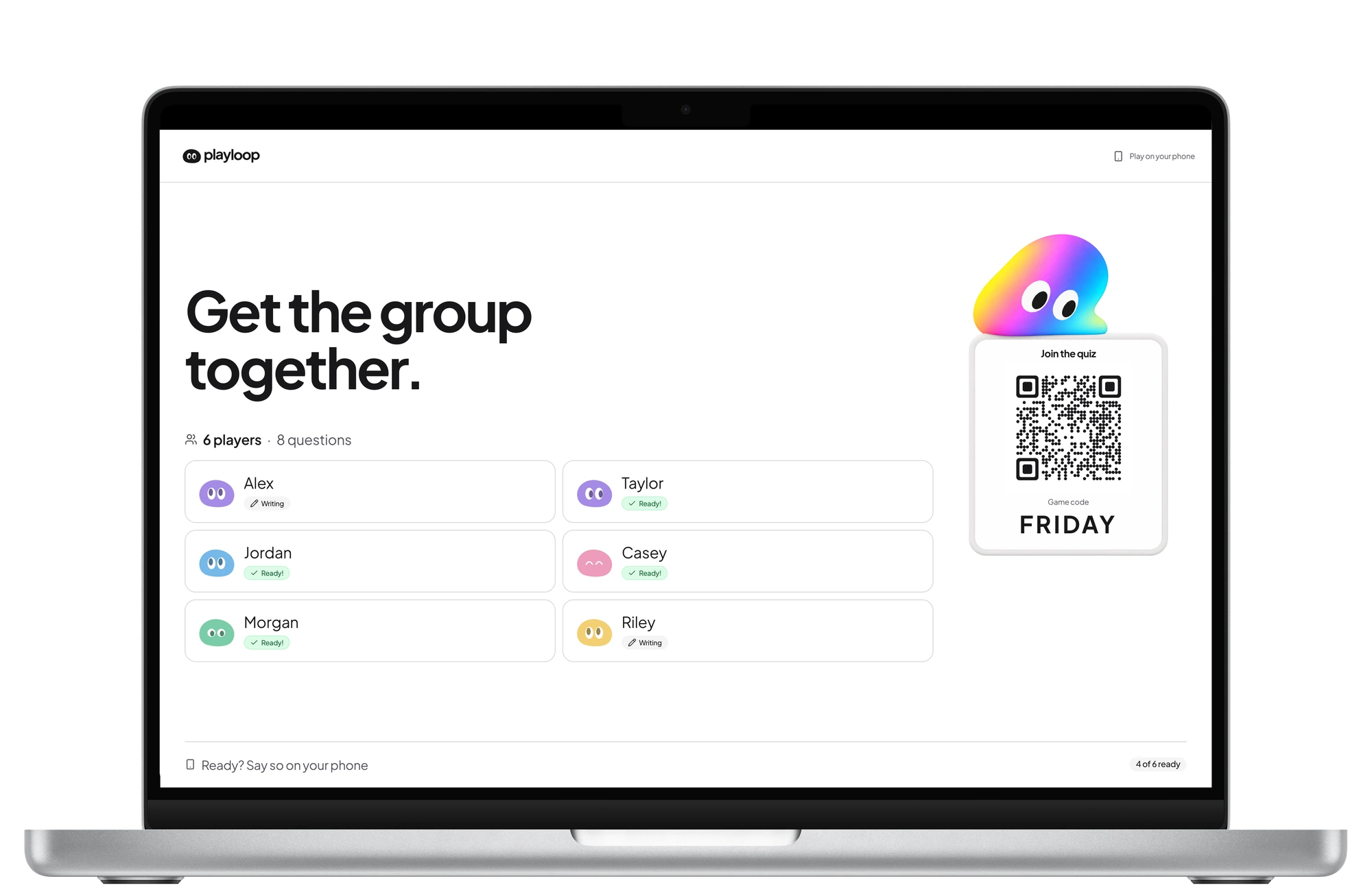
Playloop is built for the last row. Everyone adds questions privately before the night, the host plays without seeing them, players join in the browser on their phones, and a shared screen is optional. Questions can be multiple choice, pictures, ordering, number guesses or unscored polls, and after each contributed question the group guesses who wrote it. Guests always play free.
It is not built for the other rows. Scores are kept per player, not per team, so a team shares one phone. There are no learner reports or slide decks, and nobody can join once the game has started. If your night is a class, a presentation or a team pub quiz, a tool made for that will serve you better.
How do you test a quiz app in ten minutes?
Whatever you choose, test it the way you will play it.
- Join from an old phone on mobile data, not just your laptop on Wi-Fi.
- Add a question with a picture and check how it looks on a small screen.
- Play one question with the host as a player.
- If you will play over a call, share the screen and check the lag. See the remote quiz checklist.
- Check the player limit against your guest list on the pricing page.